> ## Documentation Index
> Fetch the complete documentation index at: https://superwhisper.com/docs/llms.txt
> Use this file to discover all available pages before exploring further.
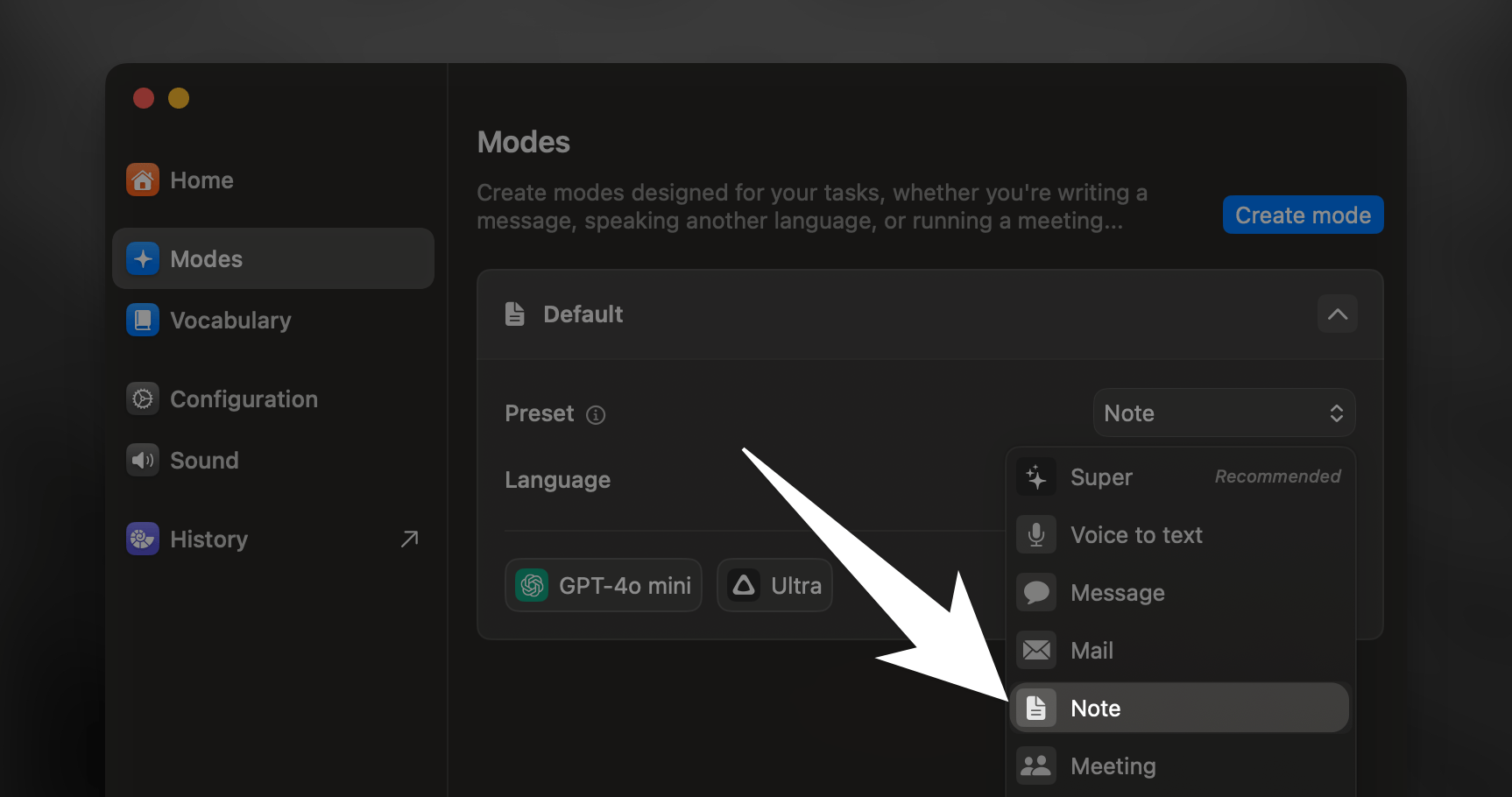
# Note
> Turn your spoken ideas into structured, easy-to-read notes. Notes Mode helps you capture and organize your thoughts with smart formatting and clear hierarchies.
 ## Key Features
**Notes Mode transforms your spoken words by:**
* Improving clarity
* Formatting text for optimal readability
* Highlighting key points and action items
* Adapting content structure based on topic and key topics
* Creating lists or bullet points from your dictation
***
Note Mode is perfect for lectures, meetings, brainstorming sessions, and quick thought capture.
## Key Features
**Notes Mode transforms your spoken words by:**
* Improving clarity
* Formatting text for optimal readability
* Highlighting key points and action items
* Adapting content structure based on topic and key topics
* Creating lists or bullet points from your dictation
***
Note Mode is perfect for lectures, meetings, brainstorming sessions, and quick thought capture.